Color with a purpose.
Set altitude thresholds in Link3EYE. Select display intensity, night mode and either the standard or efficient digit font.
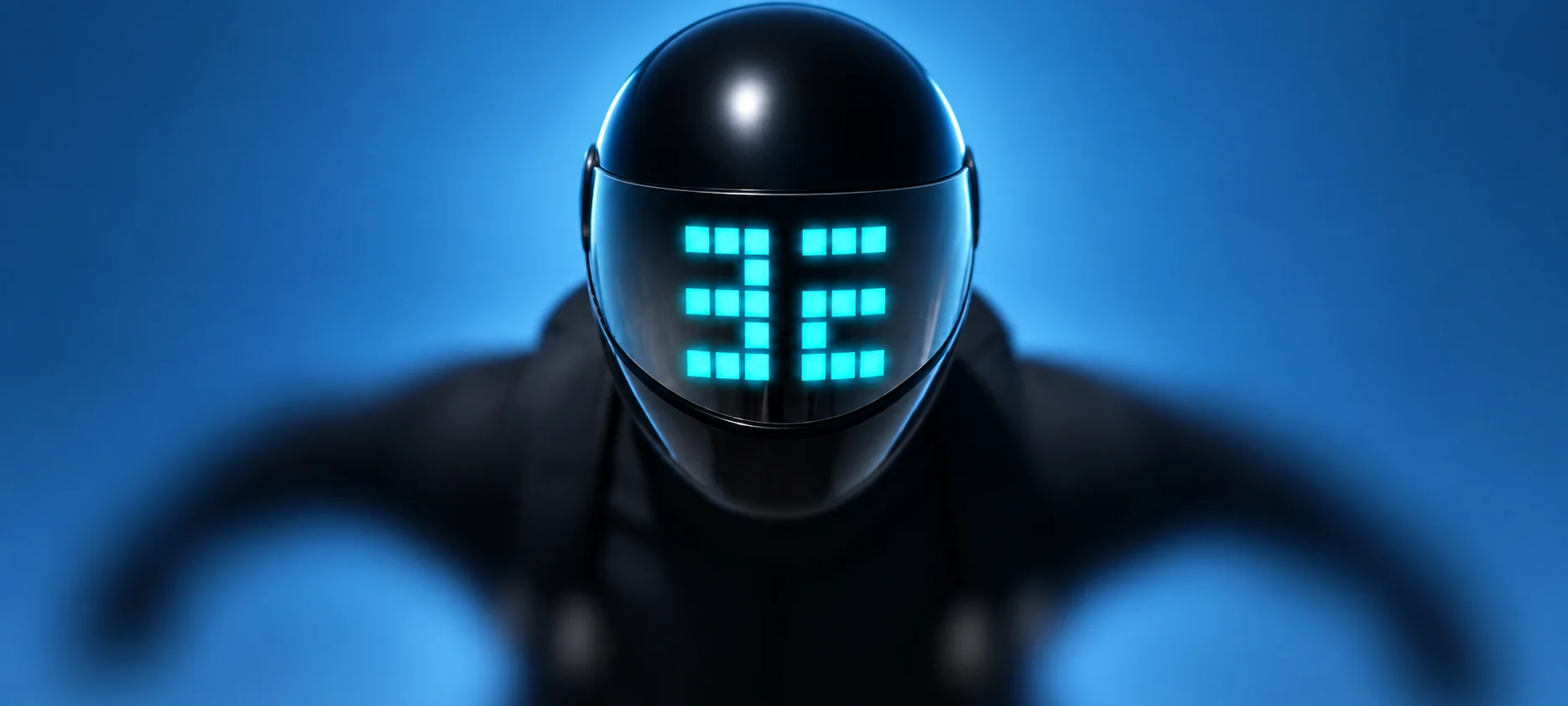
A helmet-mounted altimeter and variometer that brings altitude into view. Keep your head up. Stay aware of your vertical world.
HEAD-UP. HANDS-FREE.
Disclaimer: Only this all-black hero was forged by AI.
Altitude matters. So does everything around you. 3EYE puts a color-coded readout on your helmet visor, so checking altitude doesn’t require looking down at your wrist.
Choose altitude or one of three vertical-speed views. Prefer a direct view? Configure the same device for a wrist or fabric mount.
A visor-reflected display brings the reading into your field of view.
Adjust units, color thresholds, intensity and display orientation.
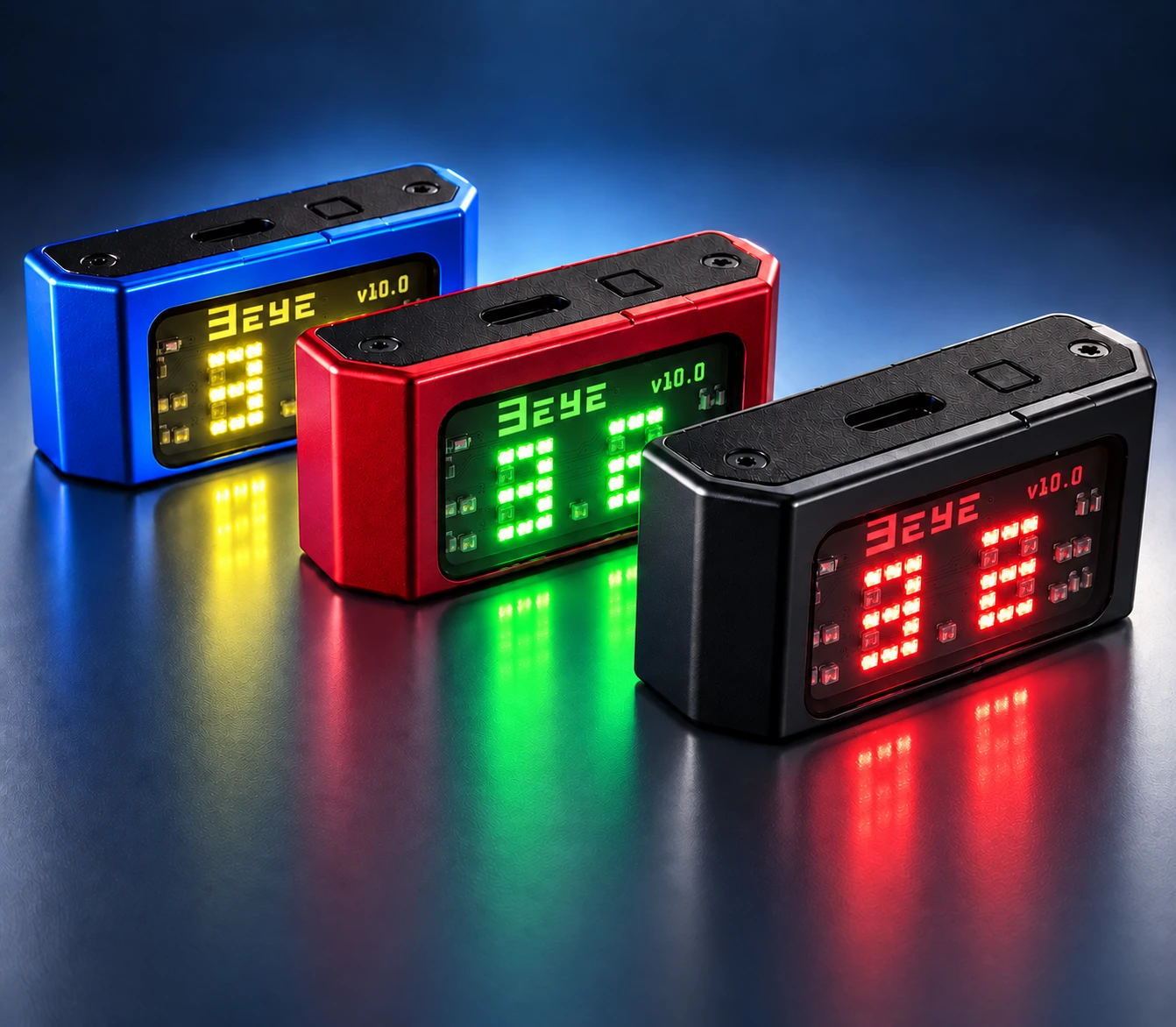
A compact, two-character display uses numbers, decimal placement and color to communicate altitude. See the supplied HUD footage below.
Altitude colors change at configurable thresholds. The display automatically adjusts its resolution with altitude, providing greater precision when it matters most—especially close to the ground.
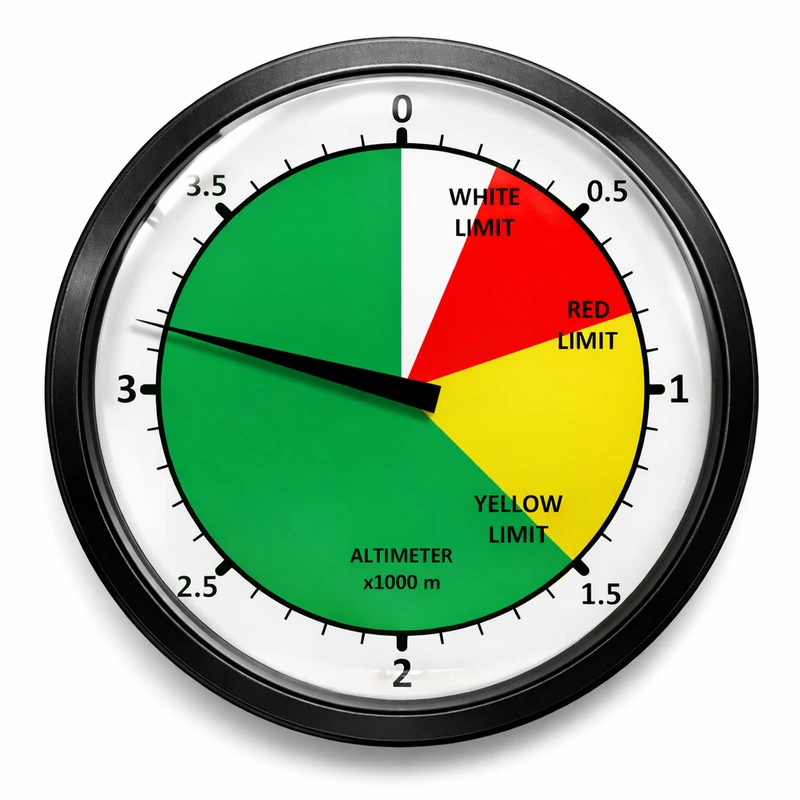
These zones are configurable. Set and understand your own values before use.
The instrument has a resolution of 1 m. In metric floating-point mode, the display resolution uses 100 m, 10 m or 1 m increments depending on altitude. In fixed-point mode, the display resolution is always 100 m.
Colors follow your configured altitude zones.
| Display | Altitude | Increments |
|---|---|---|
| 4.0 | 4,000 m | 100 m |
| .35 | 350 m | 10 m |
| 42 (white) | 42 m | 1 m |
Altitude in meters or feet, with configurable color zones and blinking warnings. The display automatically adjusts its resolution with altitude, providing greater precision when it matters most—especially close to the ground.
Set altitude thresholds in Link3EYE. Select display intensity, night mode and either the standard or efficient digit font.
Short presses cycle through selections. A long press confirms. Demo mode lets you explore display behavior on the ground.
Sync recorded vertical events to Link3EYE and review altitude, vertical-speed and acceleration charts after the jump.
Link3EYE is the Bluetooth companion for your 3EYE. Fine-tune the display before a jump, then take a closer look at your flight afterward.
Set metric or imperial units, display orientation, color limits and warning preferences, and much more.
Review freefall and canopy metrics, view charts and add comments to your recorded events.
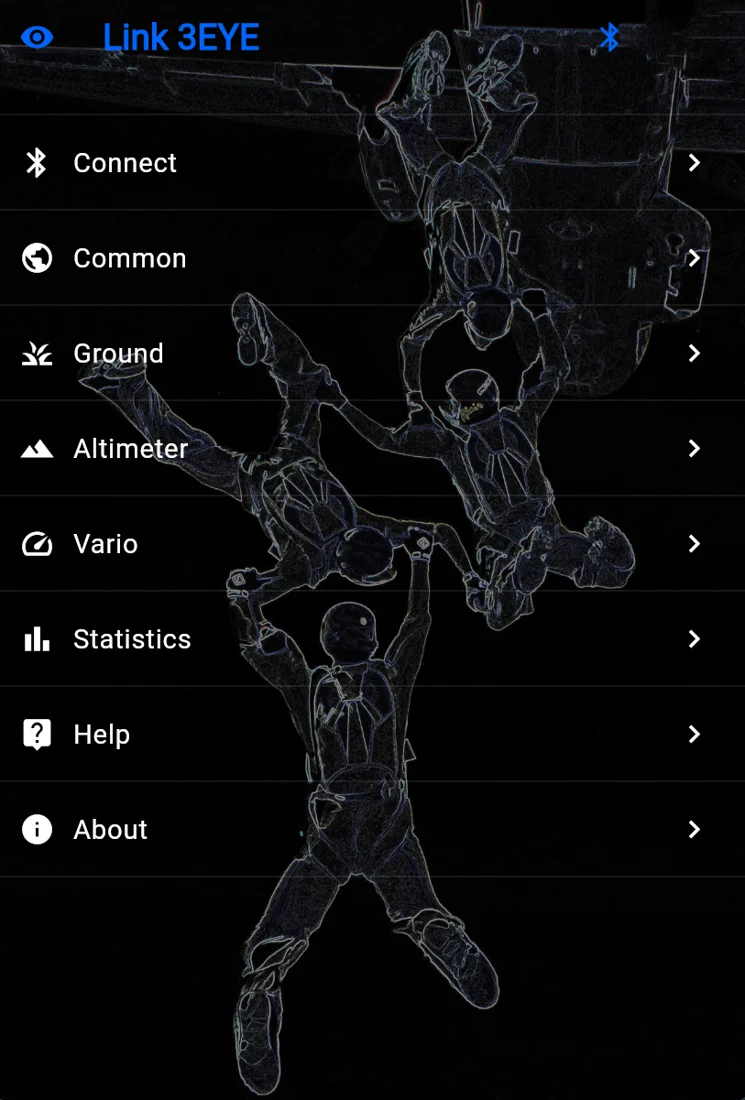
The display supports mirrored head-up and direct head-down configurations. Choose the mounting approach that suits your equipment.
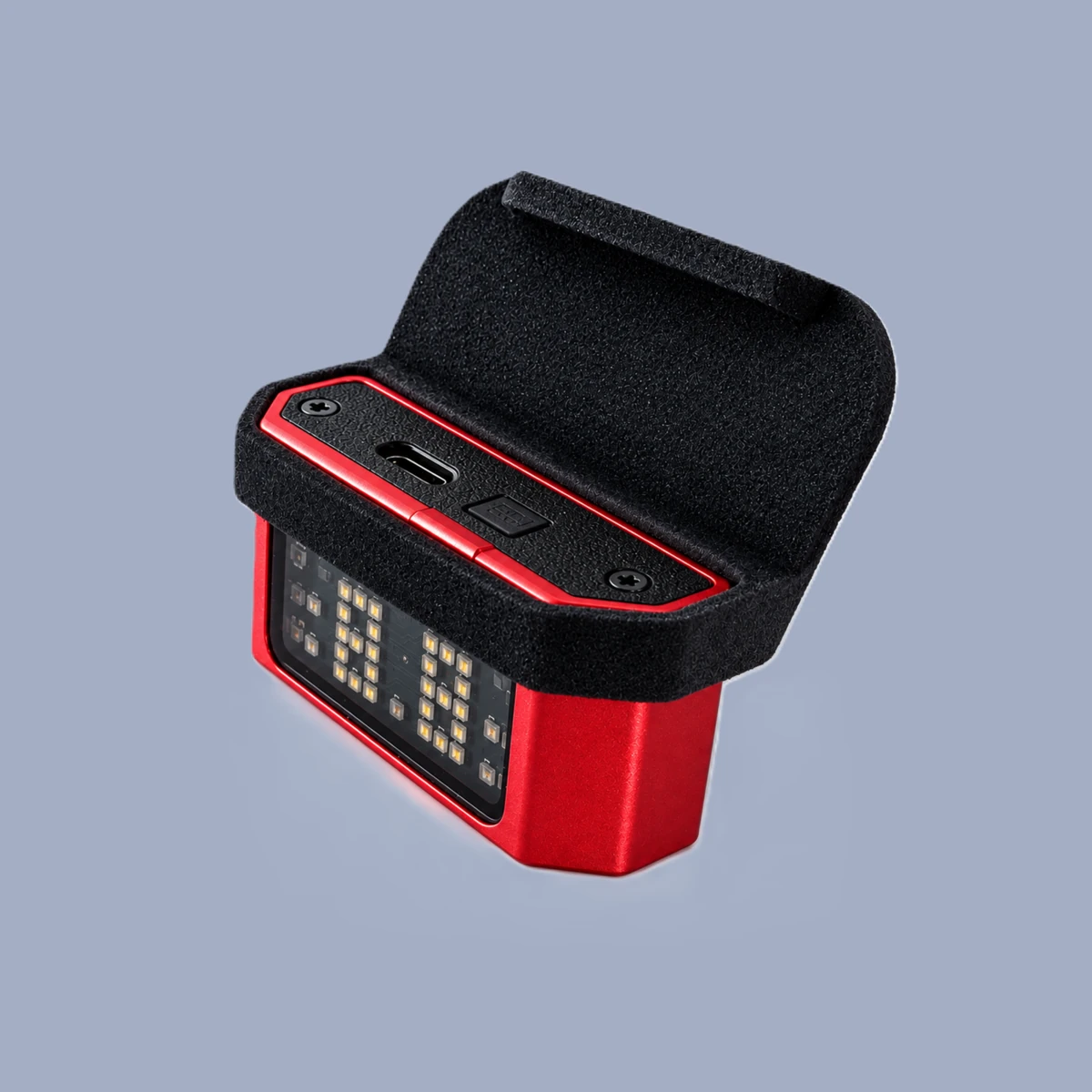
Positions the device for a visor-reflected HUD readout. Mount and visor alignment must suit your particular helmet.
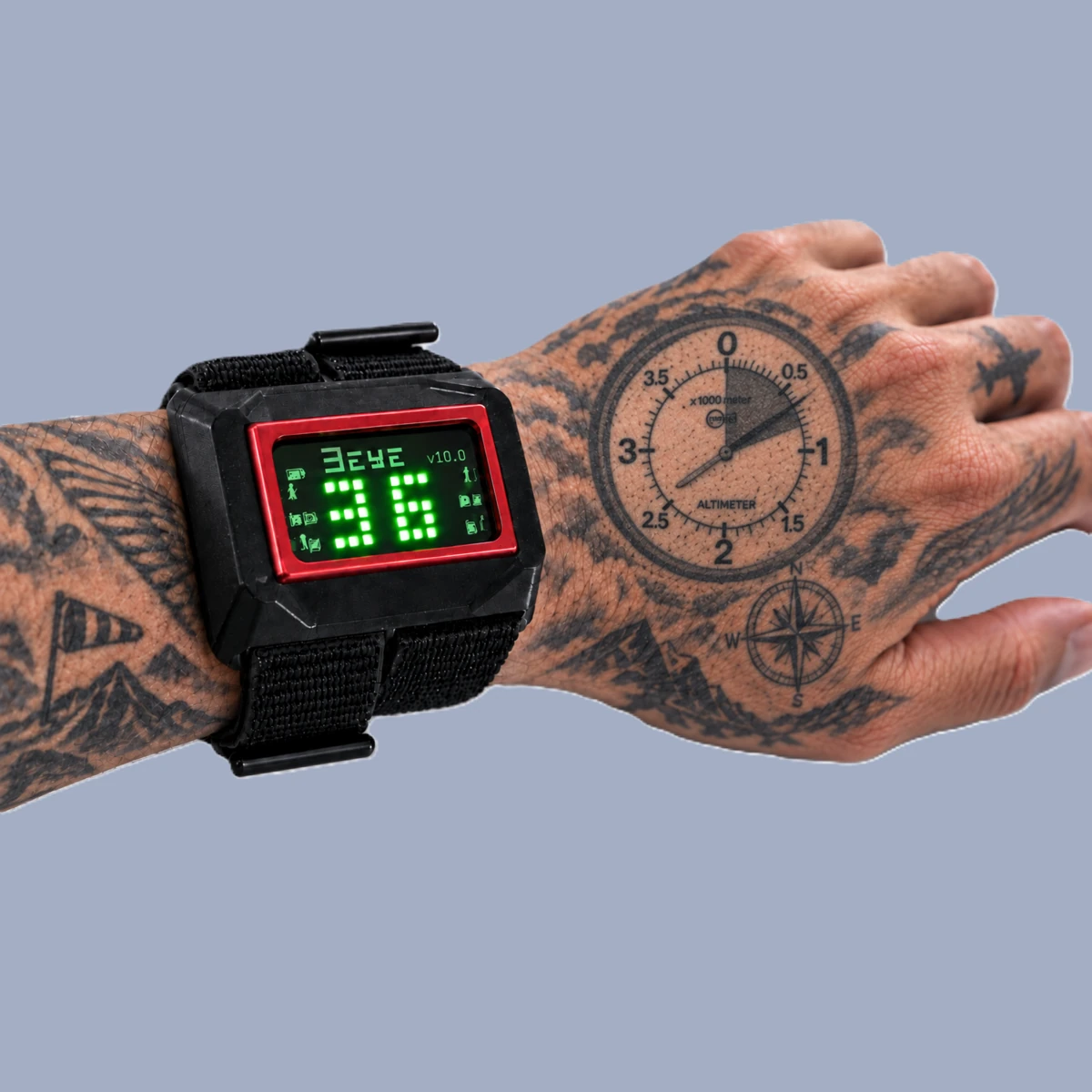
A familiar direct-view setup that holds 3EYE on your wrist. Select the head-down display setting.
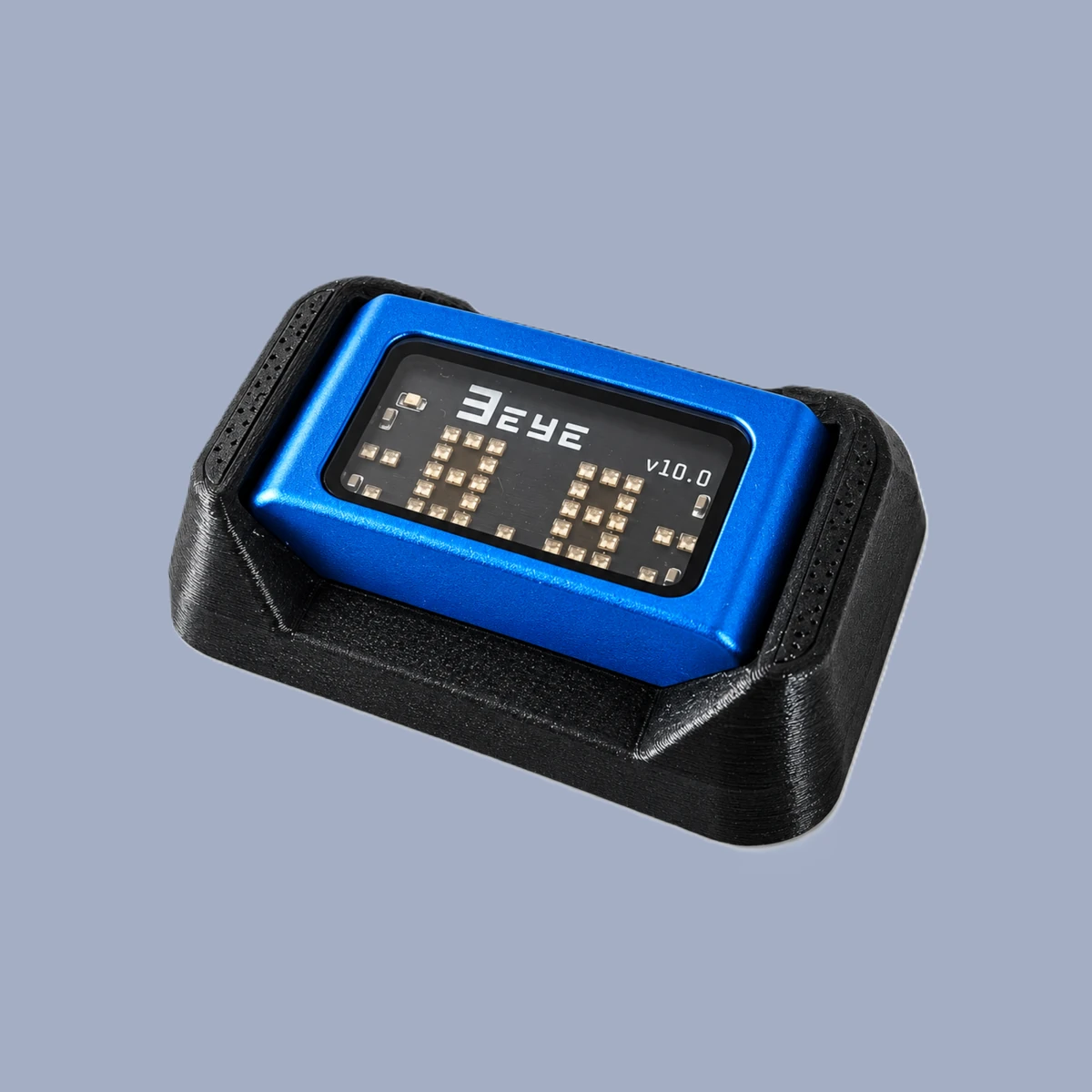
A fabric-mounted direct-view option that can be mounted on a glove, elastic wrist band or similar fabric surface. Uses eight low-profile screws according to the mount description.